Cart
No products in the basket.
Log In Sign Up

Login

Android Studio: Make Your Own Photo Editor

Get 92% Discount | CPD Accredited | Affordable Pricing | No Hidden Charges | 24/7 Tutor Support | Instant Access
4.5
★ ★ ★ ★ ★
★ ★ ★ ★ ★
3 Reviews

stds4 Students

Accreditation Icon
Accreditation Icon

OverviewOverview: Android Studio: Make Your Own Photo Editor Course

  • Mobile applications play a major role in modern technology, and Android remains one of the most widely used platforms for mobile software development. Android Studio provides developers with a powerful environment to design, build, and manage Android applications. As mobile usage continues to grow, knowledge of Android development tools and workflows has become increasingly valuable across the technology sector.
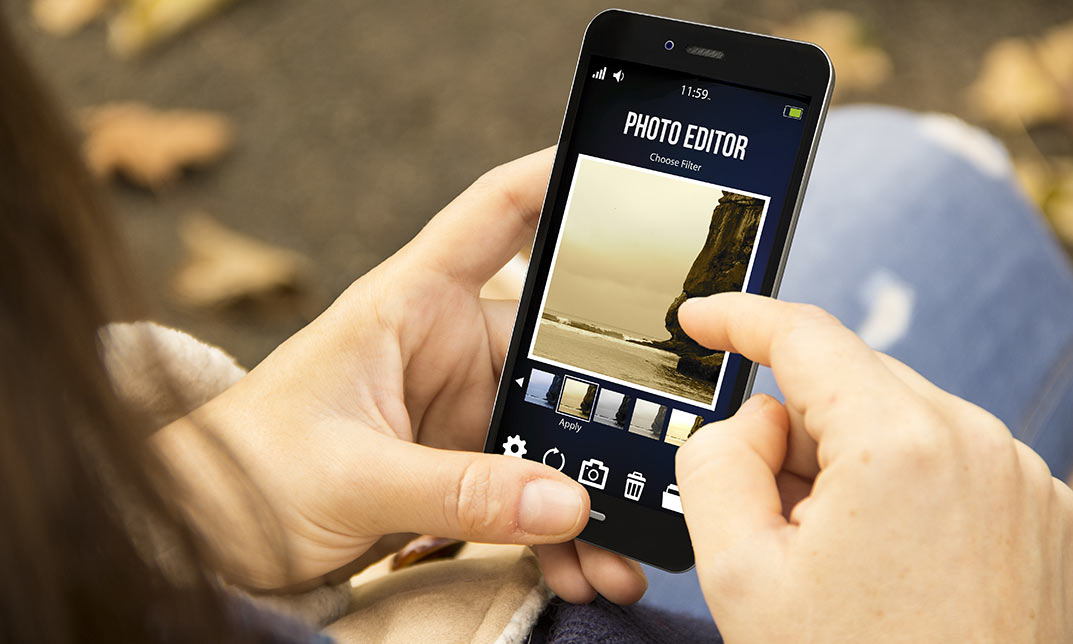
  • The Android Studio: Make Your Own Photo Editor course introduces the fundamentals of Android application development through the creation of a photo editing application. Learners explore how Android projects are structured, how mobile interfaces are designed, and how applications interact with device resources such as the camera and gallery.
  • Throughout the training, learners examine how images can be processed within Android applications. Topics include image file handling, bitmap processing, colour modification, and application navigation systems that support a functional photo editor.
  • This course provides structured Android development training that explains the components required to build an interactive mobile application. By completing the programme, learners become familiar with the Android Studio development environment and the processes used to create modern Android apps.

What Is Android Studio: Make Your Own Photo Editor Course?

The Android Studio: Make Your Own Photo Editor course focuses on building a functional mobile application using the Android Studio development platform. Android Studio is the official development environment used for designing and developing Android applications.

In this course, learners explore how Android applications are created from project setup to final functionality. The training introduces the core concepts of Android development, including user interface design, event handling, device permissions, and interaction between application components.

Learners also explore how mobile applications manage images. The course explains how images can be captured using the device camera or selected from the gallery and processed within the application using bitmap data structures.

The programme also covers image editing techniques such as colour modifications and saving edited images to device storage. By the end of the course, learners become familiar with the development process involved in building a photo editor application using Android Studio.

Course Description

The Android Studio: Make Your Own Photo Editor course begins with Module 01: Setup Project and UI Elements, where learners explore how to create and configure an Android development project within Android Studio. This module explains the structure of Android projects and introduces the design of the photo editor interface using essential user interface components.

The curriculum then progresses to Module 02: Requesting Permissions, Setting Up Click Listeners and Intents. In this module, learners examine how Android applications interact with device permissions and respond to user actions. The training explains how click listeners allow applications to respond to user input and how intents enable communication between application components.

The next stage of the course introduces Module 03: Creating Image Files, Receiving Intents, Showing and Hiding Views. Learners explore how Android applications manage image files and interface elements. The module explains how views can be displayed or hidden depending on application state and how image data can be handled within the application workflow.

In Module 04: Receiving Image from Gallery or Camera, Reading Image into a Bitmap, learners examine how Android applications retrieve images from the device camera or image gallery. This module explains how images are converted into Bitmap objects so that the application can process and display image data within the photo editor environment.

The curriculum continues with Module 05: Modifying Colours and Calling Native Methods, where learners explore image processing techniques used within Android applications. This section explains how colour modifications can be applied to images and how native methods support image editing functionality.

The course concludes with Module 06: General Fixes, Save Image Feature and Go Back Feature, where learners integrate previously introduced components to complete the photo editor application. This module explains how edited images are saved to device storage and how navigation features allow users to move efficiently within the application.

Learning Outcomes – Android Studio: Make Your Own Photo Editor Course

Who Is This Course For?

Why Enrol in This Android Studio Course?

Mobile applications continue to play a critical role in modern digital services. Android remains one of the largest mobile platforms, making Android development an important area within the software industry.

This Android Studio training course introduces the development process used to build Android applications through a structured project-based approach. Learners explore how mobile interfaces are created, how images are processed within applications, and how application features such as saving and navigation are implemented.

The course explains the development workflow used in Android Studio, allowing learners to explore how different application components work together to create a functional mobile application.

Whether you are interested in mobile development, software engineering, or digital technology, this course introduces the tools and systems used to create Android applications.

Course Description

Knowledge of Android development supports several professional roles within the technology industry.

Typical career pathways include:

  • ➽ Android App Developer — £50,000–£65,000
    Develops mobile applications using Android Studio.
  • ➽ Mobile Software Engineer — £55,000–£70,000
    Designs and develops mobile software solutions.
  • ➽ Application Programmer — £42,000–£58,000
    Creates and maintains software applications for mobile platforms.
  • ➽ UI/UX Designer — £45,000–£60,000
    Designs mobile interfaces and improves user interaction within apps.
  • ➽ Software Development Engineer — £60,000–£75,000
    Works on application development and software system architecture.
  • ➽ Tech Product Developer — £50,000–£68,000
    Develops and manages digital technology products including mobile applications.

Professionals with Android development knowledge can progress into software engineering, mobile development, and digital product development roles.

Enrol Today – Build Knowledge in Android Application Development

By enrolling in this Android Studio: Make Your Own Photo Editor course, learners begin exploring the technologies used to develop mobile applications.

Android Studio remains one of the most widely used development environments for building Android apps. Knowledge of Android development tools supports careers in mobile technology, software development, and digital product innovation.

Start developing knowledge of Android development systems and the processes used to create mobile applications.

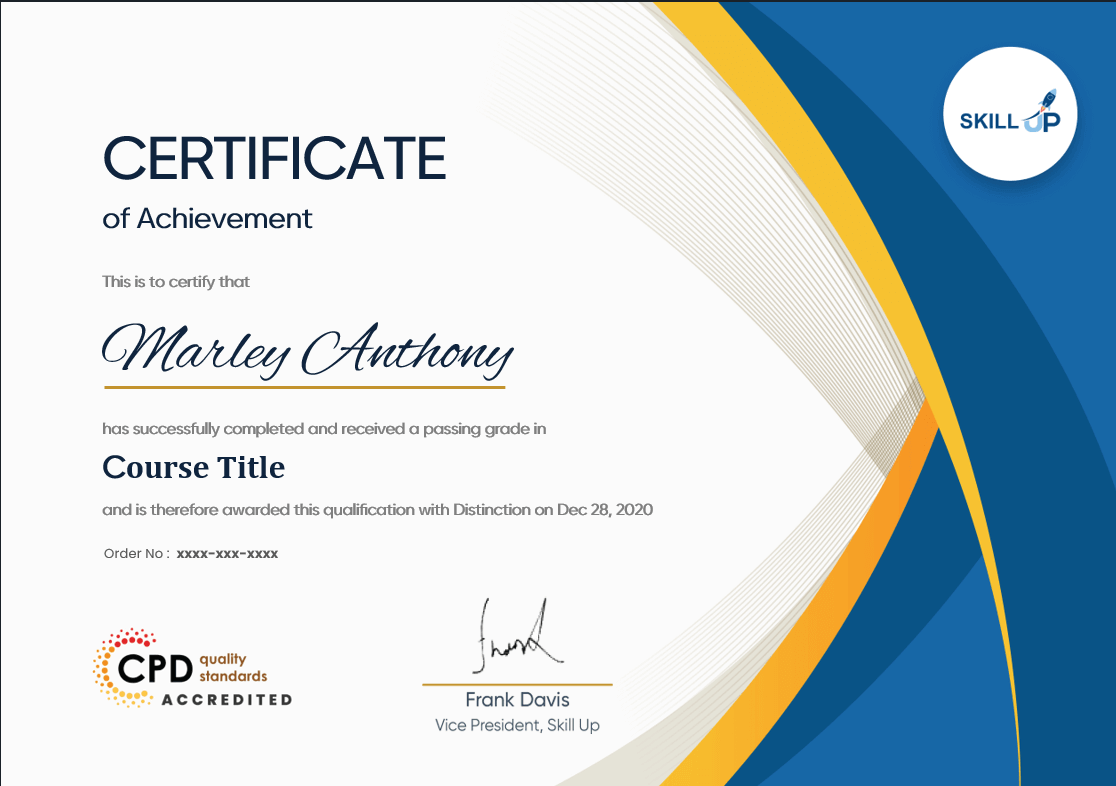
Certificate of Achievement

Upon successfully completing this Android Studio: Make Your Own Photo Editor course, learners will receive an accredited certificate confirming completion of the training programme.

We provide two recognised certificate options:

CPD-QS Certificate
Learners can obtain a certificate accredited by CPD Quality Standards (CPD-QS), confirming that the course meets recognised Continuing Professional Development standards.

SKILL UP Brand Recognised Certificate
Learners will also receive a SKILL UP Certificate of Completion confirming successful completion of the Android Studio training course.

Both certificates confirm completion of the course curriculum related to Android application development and image editing functionality.

Earn Your Accredited Certificate with Transcript

Save 20% with the coupon code SKILL20

Show Your Certified Identity with a CPD-QS Certificate

Perfect for employers, clients, or academic verification.

Get a QLS Certificate to Showcase Your Skills

Detailed record of your completed modules and qualifications.

Frequently Asked Questions

The course explains Android project setup, user interface design, device permissions, image handling, bitmap processing, colour modification, and saving images within a mobile application.

No prior experience is required. The course introduces Android development concepts step by step.

Android Studio is required as the primary development platform for building the photo editor application.

Yes. The course explains how images from camera or gallery are converted into Bitmap objects and processed within the application.

Yes. The course is designed for learners interested in Android application development.

 Yes. Learners receive recognised certification confirming completion of the Android Studio training programme.

Android Studio: Make Your Own Photo Editor Reviews

Excellent

4.5 / 5
Based on 3 reviews

98%

Would Recommend

4

Certified Learners

100%

Authentic Reviews

A well-organised and highly valuable course with clear, easy-to-understand guidance throughout. I’ve gained knowledge that’s directly relevant to my day-to-day responsibilities. It’s given me greater confidence in applying these skills professionally.

Engaging content delivered in a straightforward and structured format. The examples were realistic and helped reinforce key concepts effectively. I would certainly recommend it to colleagues looking to upskill

Comprehensive, insightful and professionally presented from start to finish. The course materials were clear and well supported. A worthwhile investment for anyone serious about career development

Curriculum

  • play Module 01: Setup Project and UI Elements
    play 00:30:00
  • play Module 02: Requesting Permissions, Setting Up Click Listeners and Intents
    play 00:31:00
  • play Module 03: Creating Image Files, Receiving Intents, Showing and Hiding Views
    play 00:30:00
  • play Module 04: Receiving Image from Gallery or Camera, reading Image into a Bitmap
    play 00:30:00
  • play Module 05: Modifying Colours and Calling Native Methods
    play 00:32:00
  • play Module 06: General Fixes, Save Image Feature and Go Back Feature
    play 00:26:00
top