Overview
Microsoft Access Databases support structured data organisation through visual interfaces and automated outputs. This course explains how Microsoft Access Databases operate using forms for data entry and reports for analysis and presentation. Learners explore Autoforms, Form Wizard, report creation tools, calculations, grouping features, and application finalisation. Microsoft Access Databases also integrate exporting options, menu creation, and layout control, ensuring efficient database presentation aligned with real administrative and reporting workflows.
Course Description
Data becomes meaningful when structured, readable, and presentable. This course transforms Microsoft Access Databases into a powerful reporting environment through guided form and report creation. You will work with Autoforms, Form Wizard, subforms, and property controls to create organised data interfaces while applying the Forms and Reports training Course methodology throughout each stage.
As reporting accuracy improves decision-making, this course focuses on Autoreport, Report Wizard, grouping, sorting, totals, and calculated fields. Design view editing allows refined layouts, while label creation supports professional output. Each reporting element aligns with the Forms and Reports training Course framework to ensure consistency and clarity.
Application flow matters. Therefore, learners explore Switchboard Manager menus, exporting reports to Excel, and finalising database applications. By combining navigation design and polished outputs, Microsoft Access Databases become scalable solutions. The Forms and Reports training Course approach ensures every database appears structured, functional, and presentation-ready.
Note: Skill-up is a Janets-approved resale partner for Quality Licence Scheme Endorsed courses.
Key Benefits
- Structured data entry through customisable form layouts
- Professional reporting with calculations and grouped summaries
- Improved database navigation using menu systems
- Seamless report exporting for spreadsheet use
- Enhanced visual consistency across database applications
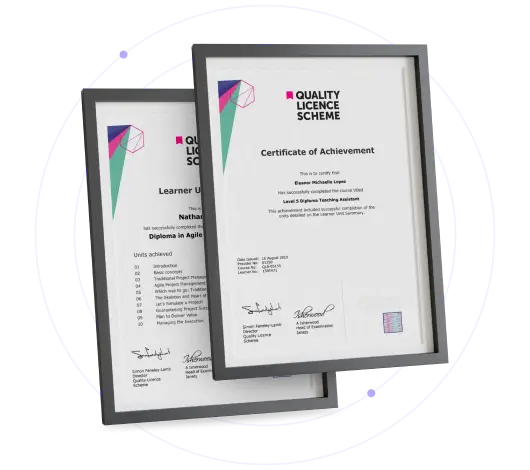
Certificate of Achievement
Free QLS Certificate Included
Quality Licence Scheme Endorsed CertificateÂ
Upon completing the final assessment, you can apply for the Quality Licence Scheme Endorsed Certificate of Achievement. Endorsed certificates can be ordered and delivered to your home by post.
An extra £10 postage charge will be required for students leaving overseas.Â
Skill Up Recognised Certificate
Upon successfully completing this course, you can request a Skill Up Recognised Certificate. This certificate holds significant value, and its validation will endure throughout your lifetime.
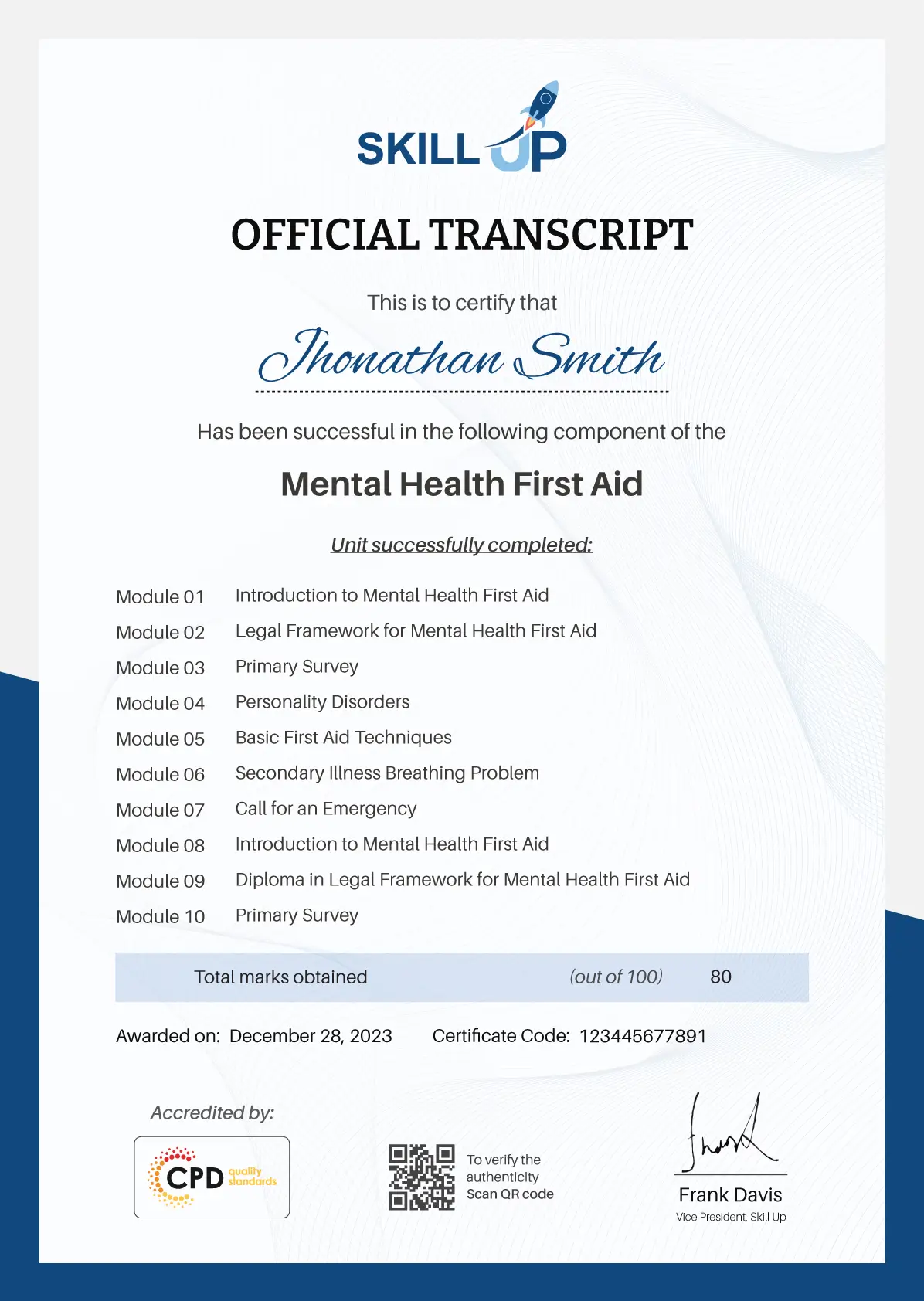
1. PDF Certificate + PDF Transcript: FREE With This Course
Note: There are no discount coupons available for this course at the moment. Â
Learning Outcome
- Create forms using Autoforms and Form Wizard
- Modify layouts using design view and properties
- Build reports with calculations, totals, and sorting
- Generate labels and export reports to Excel
- Finalise database applications with menus
Who Is This Course For?
- Office administrators managing structured records
- Business support staff handling reporting tasks
- Data entry coordinators improving accuracy
- Learners seeking database presentation knowledge
- Professionals working with internal information systems
Career Path
- Database Administrator: £38,000 – £55,000
- Data Analyst: £40,000 – £60,000
- Business Intelligence Assistant: £32,000 – £48,000
- Office Systems Coordinator: £28,000 – £42,000
- Reporting Executive: £30,000 – £46,000
Frequently Asked Questions
Microsoft Access Databases manage structured data through forms, queries, and reports, supporting internal records, tracking systems, and reporting tasks.
Yes, the course follows a complete Forms and Reports training Course structure covering creation, editing, calculations, and exports.
This course explains tools step-by-step, making Microsoft Access Databases accessible for learners building reporting capability.
Yes, exporting reports to Excel is covered to support data sharing and analysis.
A free certificate is provided after completing the Microsoft Access Databases course.
Microsoft Access Databases Forms and Reports with Free Certificate Reviews
Excellent
98%
Would Recommend99
Certified Learners100%
Authentic Reviews
A well-organised and highly valuable course with clear, easy-to-understand guidance throughout. I’ve gained knowledge that’s directly relevant to my day-to-day responsibilities. It’s given me greater confidence in applying these skills professionally.
Engaging content delivered in a straightforward and structured format. The examples were realistic and helped reinforce key concepts effectively. I would certainly recommend it to colleagues looking to upskill
Comprehensive, insightful and professionally presented from start to finish. The course materials were clear and well supported. A worthwhile investment for anyone serious about career development
Curriculum
-
Autoforms
00:14:00
-
Form Wizard
00:09:00
-
Changing a form with design view
00:26:00
-
Adding controls to your form
00:21:00
-
Subforms
00:15:00
-
Using Autoreport to create a report
00:03:00
-
Using the Report Wizard to create a report
00:07:00
-
Changing a report in design view
00:11:00
-
Adding Calculations to your report
00:09:00
-
Adding Groups, Sorts and Totals to reports
00:16:00
-
Making labels with the Label Wizard
00:04:00
-
Form and Report Properties
00:06:00
-
Exporting a report to Excel
00:03:00
-
Creating a menu with the Switchboard Manager
00:17:00
-
Finalizing the Application
00:08:00
-
Submit Your Assignment & Order QLS Certificate

Offer Ends in
14-Day Money-Back Guarantee
-
Duration:Self-paced Learning
-
Access:1 Year
-
Units:16

8 Reviews