
.png) 9 Reviews
9 Reviews 0 Students

 Overview
 Overview
 Course Description
Learning Outcome
 Learning Outcome
 Course media
Who Is This Course For?
 Who Is This Course For?
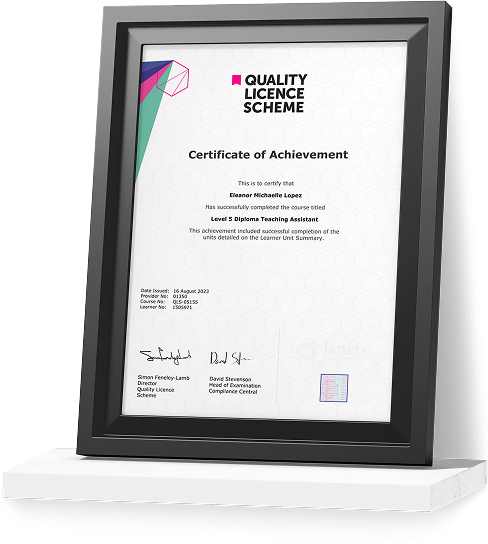
Certificate of Achievement
Earn Your Accredited Certificate with Transcript
Save 20% with the coupon code SKILL20

Show Your Certified Identity with a CPD-QS Certificate
Perfect for employers, clients, or academic verification.

Get a QLS Certificate to Showcase Your Skills
Detailed record of your completed modules and qualifications.
Career Path
 Career Path
 Frequently Asked Questions
Adobe InDesign CC Advanced Reviews

A well-organised and highly valuable course with clear, easy-to-understand guidance throughout. I’ve gained knowledge that’s directly relevant to my day-to-day responsibilities. It’s given me greater confidence in applying these skills professionally.

Engaging content delivered in a straightforward and structured format. The examples were realistic and helped reinforce key concepts effectively. I would certainly recommend it to colleagues looking to upskill

Comprehensive, insightful and professionally presented from start to finish. The course materials were clear and well supported. A worthwhile investment for anyone serious about career development
Curriculum
-
Introduction
00:04:00

 00:04:00
 -
Saving to Previous Versions
00:02:00
-
Saving Templates
00:03:00
-
Using Different Page Sizes
00:03:00
-
Sectioning for Page Numbering
00:07:00
-
Using Breaks
00:06:00
-
Working with Tabs
00:05:00
-
Creating Jump Lines
00:05:00
-
Auto-sizing Text Frames
-
Using Text on a Path
00:08:00
-
Working with Text Outlines
00:03:00
-
Replacing Fonts
00:04:00
-
Changing Text Formatting
00:04:00
-
Applying Character Formatting
-
Using Bullets and Numbering
00:04:00
-
Understanding Types of Spaces
00:05:00
-
Understanding Types of Dashes
00:06:00
-
Using Grep
00:04:00
-
Editing AutoCorrect
00:03:00
-
Loading Styles
00:03:00
-
Redefining Styles
00:03:00
-
Creating Group Styles
00:03:00
-
Using Nested Styles
00:05:00
-
Using Hyphenation and Justification
00:05:00
-
Understanding Keep Options
00:02:00
-
Breaking a Link to a Style
00:02:00
-
Using Place Text Options
00:06:00
-
Using Place Image Options
00:10:00
-
Placing Adobe Illustrator Files
00:03:00
-
Using Metadata Caption
00:06:00
-
Placing InCopy Documents
00:05:00
-
Using Anchored Objects
00:05:00
-
Using the Pen Tool
00:08:00
-
Using the Direct Selection Tool
00:02:00
-
Understanding Pathfinder Panel Basics
00:07:00
-
Using Advanced Alignment
00:04:00
-
Using Color Groups
00:03:00
-
Loading Swatches
00:01:00
-
Loading the CC Libraries
00:05:00
-
Converting a Table to Text
00:02:00
-
Converting Text to a Table
00:02:00
-
Working with Headers and Footers
00:04:00
-
Embedding Cell Styles into Table Styles
00:05:00
-
Creating Books
00:04:00
-
Developing a Table of Contents and Bookmarks
00:09:00
-
Inserting QR Codes
00:05:00
-
Creating Bookmarks
00:04:00
-
Using Hyperlinks
00:05:00
-
Applying Page Transitions and Exporting to PDFs
00:05:00
-
Course Recap
00:03:00

Offer Ends in

 TAKE ALL COURSES FOR £99


-
Duration:3 hours, 32 minutes
-
Access:1 Year
-
Units:50

