Cart
No products in the basket.
Log In Sign Up

Login

Google Data Studio Training Course

Get 92% Discount | CPD Accredited | Affordable Pricing | No Hidden Charges | 24/7 Tutor Support | Instant Access
4.8
8 Reviews

stds14 Students

Accreditation Icon
Accreditation Icon

Overview

Are you a Data Analyst, Marketing Analyst, or reporting professional looking to turn complex data into meaningful insights? As organisations increasingly rely on dashboards and visual reporting, professionals with strong data visualisation skills are becoming more valuable across a wide range of industries.

This Google Data Studio Training Course is ideal for learners who want to build confidence in reporting, dashboard creation, and visual analytics. Whether you are searching for a Google Data Studio Online Course, a Looker Studio Training Course, or a Google Data Studio for Beginners programme, this course provides a strong introduction to modern reporting tools. During the course, you will explore:

✓ Google Data Studio and Looker Studio fundamentals.
✓ Data visualisation and dashboard reporting techniques.
✓ Geo-visualisation for location-based analysis.
✓ A socio-economic case study using reporting insights.

If you want to learn Google Data Studio and strengthen your reporting skills, this course offers a valuable foundation for career growth.

Course Description

This Google Data Studio Course introduces learners to reporting, visual analytics, and dashboard development using Google’s reporting platform, now known as Looker Studio. Designed for aspiring analysts and business professionals, the course explores how data can be transformed into clear visual insights that support informed decision-making and organisational performance.

The learning journey begins with an introduction to Google Data Studio and its role in modern reporting environments. You will explore key reporting features, dashboard tools, and visual reporting techniques that help organisations track performance and communicate data more effectively. As a result, learners build a strong understanding of how reporting platforms support data-driven decisions across a wide range of industries.

The course then moves into data visualisation, focusing on how charts, graphs, and interactive reports can present complex information in a clear and engaging way. In addition, you will examine geo-visualisation techniques used to analyse and communicate location-based data. These skills are increasingly valuable within marketing, operations, finance, and business intelligence reporting functions.

Finally, a socio-economic case study demonstrates how reporting tools can be used to interpret trends, analyse datasets, and communicate findings. Consequently, learners gain a broader understanding of how visual reporting supports business planning and performance evaluation.

Whether you are looking for a Data Visualisation Course UK, Dashboard Reporting Course, Business Intelligence Reporting Course, or Looker Studio Course UK, this training provides a strong foundation in reporting, analytics, and Google Data Studio Certification Course preparation.

Learning Outcome

Who Is This Course For?

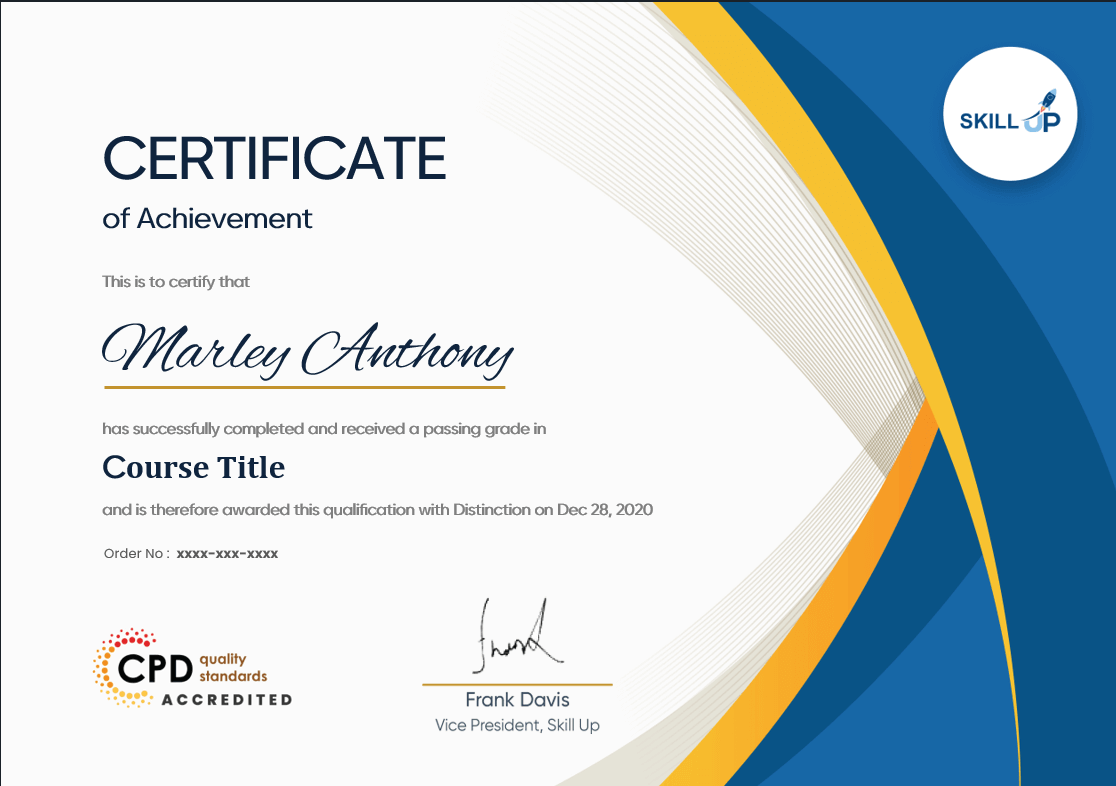
Certificate of Achievement

Earn Your Accredited Certificate with Transcript

Save 20% with the coupon code SKILL20

Show Your Certified Identity with a CPD-QS Certificate

Perfect for employers, clients, or academic verification.

Career Path

The skills gained through this Google Data Studio Training Course can support progression into a variety of reporting, analytics, and business intelligence roles. As organisations continue to invest in data-driven decision-making, professionals with dashboard reporting and data visualisation skills remain in demand across multiple sectors.

These career paths are particularly relevant for learners pursuing a Google Data Studio Course, Looker Studio Training Course, or broader Business Intelligence Reporting Course.

Frequently Asked Questions

Google Data Studio, now Looker Studio, is a free business intelligence and data visualisation tool. It is used to build dashboards, track performance, and turn raw data into clear insights for business and marketing decisions.

Yes. This Google Data Studio for Beginners course is designed for complete beginners. It covers dashboard creation, reporting basics, and data visualisation in a structured way, making it ideal for new learners.

Yes, Looker Studio is free. It allows users to create dashboards using data from Google Analytics, Google Sheets, and Google Ads. Some third-party connectors may be paid, but core features remain free.

No coding is required. This Google Data Studio Online Course focuses on drag-and-drop dashboard building, reporting tools, and data visualisation. Basic spreadsheet knowledge is helpful but not essential.

You will learn to build dashboards, create reports, analyse data visually, and present insights clearly. These skills support careers in data visualisation, reporting, and business intelligence.

You can pursue roles such as Data Analyst, Business Intelligence Analyst, Marketing Data Analyst, Reporting Analyst, and Data Visualisation Specialist. These roles use dashboards and reporting tools daily.

Google Data Studio Training Course Reviews

Excellent

4.8 / 5
Based on 8 reviews

98%

Would Recommend

14

Certified Learners

100%

Authentic Reviews
Gareth Davies

Excellent course. The dashboard-building lessons were easy to follow and highly practical.

Louise Thompson

A brilliant introduction to Google Data Studio. I can now create professional reports with confidence.

Callum McKenzie

The data visualisation module was particularly useful. Clear explanations throughou

Curriculum

  • play Module 01: Introduction to GDS
    play 00:36:00
  • play Module 02: Data Visualization
    play 01:29:00
  • play Module 03: Geo-visualization
    play 00:16:00
  • play Module 04: A Socio-Economic Case Study
    play 00:20:00