Overview: Linux Training for Beginners Course
- Learn Linux operating system fundamentals and administration concepts
- Understand file systems, commands, and user management techniques
- Explore Linux networking, permissions, and system monitoring tools
- Identify shell scripting and automation basics
- Recognise system maintenance and Linux security practices
Course Description
The Linux Training for Beginners course begins with an introduction to Linux operating systems and virtual environments. Learners explore Linux fundamentals, VirtualBox installation, virtual machine creation, and Linux distribution setup procedures.
As the course progresses, learners examine Linux file systems, navigation commands, directory structures, and file management techniques. This section explains how Linux administrators organise files, manage directories, and use command-line tools efficiently.
The curriculum then focuses on permissions, ownership commands, pipes, file editing, and text processing utilities. Learners study how Linux systems control file access and how command-line tools support system administration activities.
Further modules introduce user account management, sudo access, processes, schedules, system utilities, and operating system maintenance. Learners explore how Linux administrators manage users, monitor systems, and maintain secure operating environments.
The programme also covers shell scripting, networking commands, repositories, internet configuration, and system monitoring tools. These modules support automation, troubleshooting, and Linux network management skills.
Additional lessons explain Linux updates, repositories, help commands, and maintenance procedures required for stable Linux operations. Learners also explore command history functions and system information utilities.
By completing this course, learners develop structured knowledge of Linux administration, command-line operations, and system management practices used across IT and server environments.
Learning Outcome
- Understand Linux operating system fundamentals
- Identify Linux distributions and virtual machine environments
- Use Linux command-line navigation and file system commands
- Create and manage files and directories in Linux
- Understand Linux file permissions and ownership structures
- Apply text processing and file management commands
- Manage user accounts and sudo access procedures
Who Is This Course For?
- Individuals interested in Linux and system administration
- IT support staff and aspiring system administrators
- Students exploring networking and server management
- Cybersecurity learners interested in Linux environments
- Anyone interested in command-line computing and Linux operations
Why Enrol in This Linux Training for Beginners Course?
Linux is widely used across enterprise servers, cloud infrastructure, cybersecurity environments, and networking systems. Organisations require professionals who can manage Linux systems, maintain server operations, and support IT infrastructure effectively.
This course provides structured knowledge of Linux administration, command-line tools, networking, and system maintenance. Instead of focusing only on theory, the training explains how Linux environments operate and how administrators manage systems efficiently.
Professionals with Linux knowledge often contribute to IT operations, server administration, cloud computing, cybersecurity, and technical support environments. Linux skills are highly valued across modern technology industries.
Whether you are starting an IT career or strengthening technical knowledge, this course supports your ability to work confidently within Linux systems and server environments.
Linux Training for Beginners Course Career Path
Knowledge of Linux administration and command-line operations supports several professional pathways within IT, networking, cloud computing, and cybersecurity industries.
Typical career pathways include:
Linux System Administrator — £35,000–£60,000
Manages Linux servers, operating systems, and system configurations.
IT Support Technician — £24,000–£38,000
Provides technical support for operating systems and infrastructure services.
Network Administrator — £30,000–£50,000
Maintains network systems and server connectivity environments.
Cloud Support Engineer — £35,000–£65,000
Supports cloud infrastructure and Linux-based server environments.
Cybersecurity Analyst — £40,000–£70,000
Monitors system security and manages secure Linux environments.
DevOps Support Engineer — £38,000–£68,000
Supports automation, server management, and deployment operations.
Professionals with Linux administration knowledge can progress into advanced networking, cloud computing, DevOps, and cybersecurity roles.
Enrol Today – Build Linux Administration Knowledge
By enrolling in this Linux Training for Beginners course, you begin developing knowledge that supports Linux system management, networking operations, and command-line administration.
Linux systems continue to power enterprise servers, cloud infrastructure, and secure computing environments worldwide. Individuals who study Linux administration often improve their ability to manage operating systems, troubleshoot technical issues, and support IT infrastructure.
Start building the knowledge that supports Linux administration, networking operations, and technical career development.
Certificate of Achievement
Upon successfully completing this Linux Training for Beginners course, learners will receive an Accredited Certificate confirming their knowledge of Linux administration, command-line operations, and system management procedures.
We provide two recognised certificate options:
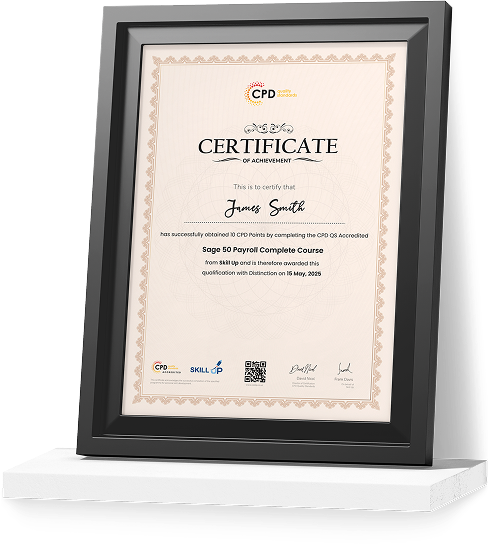
CPD-QS Certificate
Learners can obtain a certificate accredited by CPD Quality Standards (CPD-QS). This accreditation confirms that the course meets recognised Continuing Professional Development standards in IT systems administration and Linux training.
SKILL UP Brand Recognised Certificate
Learners will also receive a SKILL UP Certificate of Completion. This certificate verifies that you have successfully completed the training and achieved the required learning outcomes related to Linux systems, networking, shell scripting, system monitoring, and Linux administration.
Both certificates demonstrate that you have developed knowledge that supports Linux administration and IT system management.
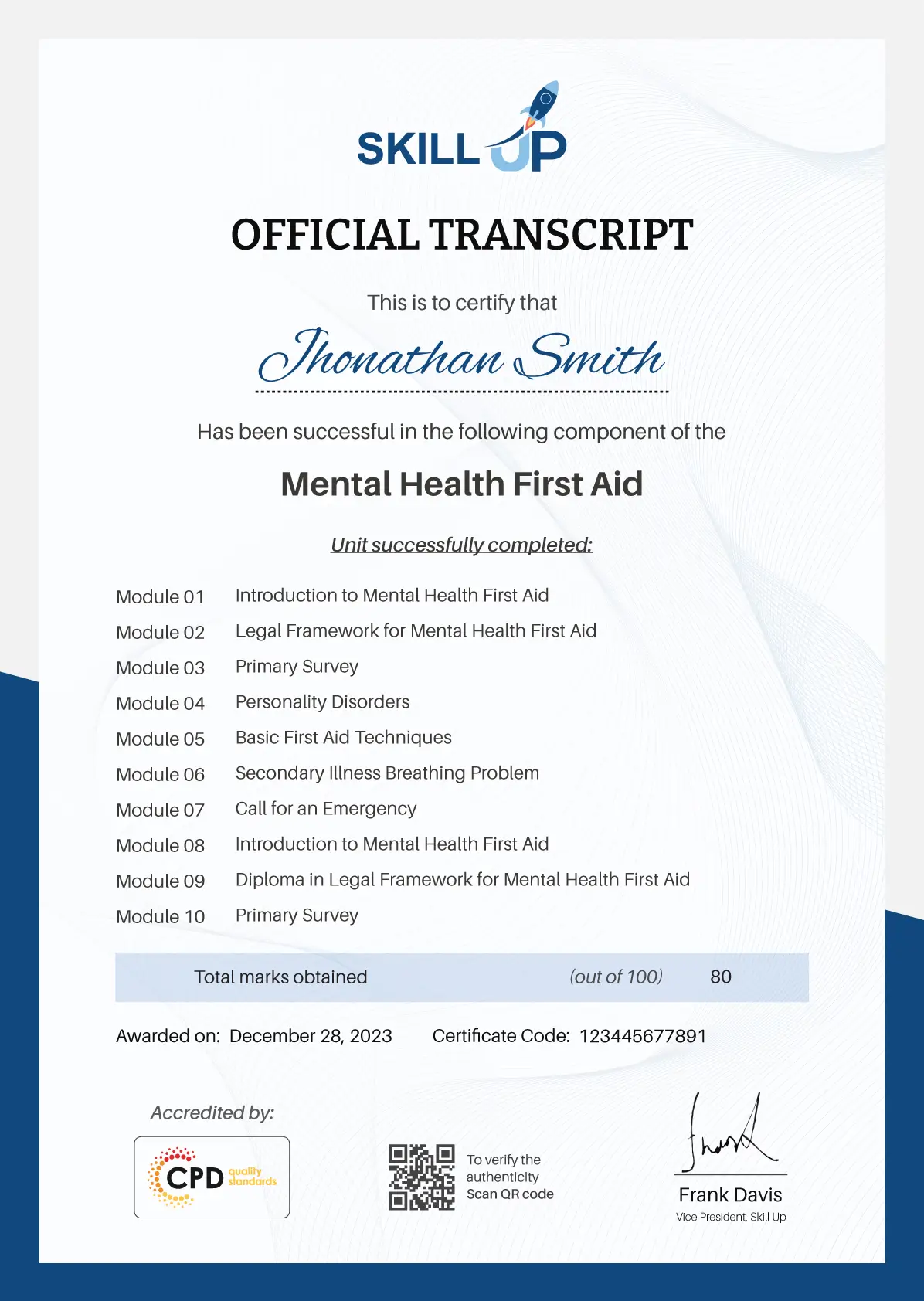
Earn Your Accredited Certificate with Transcript
Save 20% with the coupon code SKILL20
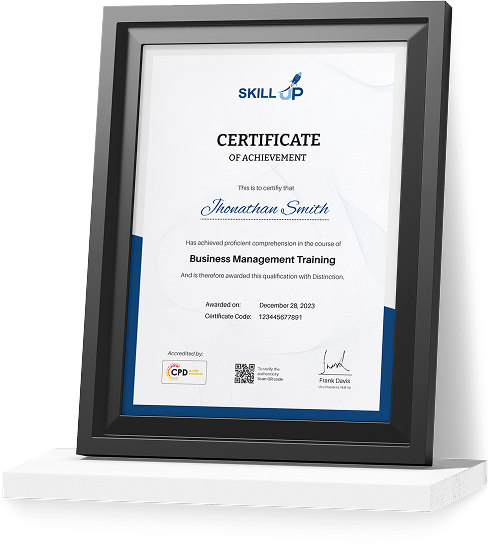
Show Your Certified Identity with a CPD-QS Certificate
Perfect for employers, clients, or academic verification.
Frequently Asked Questions
The course is fully online and self-paced, allowing completion within 4–6 weeks depending on your schedule.
No prior experience is required. The course is suitable for beginners interested in Linux systems and IT administration.
Yes, a recognised accredited certificate is awarded upon successful completion of the course.
 Yes, the course covers command-line navigation, file systems, permissions, networking, and shell scripting basics.
Yes, Linux administration skills are widely used across IT support, networking, cybersecurity, and cloud computing industries.
Linux Training for Beginners Reviews
Excellent
98%
Would Recommend16
Certified Learners100%
Authentic Reviews
A well-organised and highly valuable course with clear, easy-to-understand guidance throughout. I’ve gained knowledge that’s directly relevant to my day-to-day responsibilities. It’s given me greater confidence in applying these skills professionally.
Engaging content delivered in a straightforward and structured format. The examples were realistic and helped reinforce key concepts effectively. I would certainly recommend it to colleagues looking to upskill
Comprehensive, insightful and professionally presented from start to finish. The course materials were clear and well supported. A worthwhile investment for anyone serious about career development
Curriculum
-
Unit 1: Introduction
00:02:00
-
Unit 2: Course Overview
00:03:00
-
Unit 1: What is Linux
00:03:00
-
Unit 2: What is Virtual Box
00:02:00
-
Unit 3: Oracle Virtual Box Installation
00:04:00
-
Unit 4: Creating Virtual Machine
00:05:00
-
Unit 5: Linux Distributions
00:03:00
-
Unit 6: Linux CentOS7 Installation (Recommended)
00:25:00
-
Unit 7: Linux CentOS8 Installation (Optional)
00:25:00
-
Unit 8: Download and Install Putty
00:04:00
-
Unit 9: Connect Linux VM through Putty
00:05:00
-
Unit 10: Changing Password
00:05:00
-
Unit 11: Introduction to File System
00:05:00
-
Unit 12: File System Navigation Commands
00:10:00
-
Unit 13: Directory Listing Overview
00:03:00
-
Unit 14: Creating Files & Directories
00:09:00
-
Unit 15: Pipes
00:05:00
-
Unit 16: File & Directory Permissions
00:13:00
-
Unit 17: File Ownership Commands
00:12:00
-
Unit 18: Adding Text to Files
00:13:00
-
Unit 19: Help Commands
00:05:00
-
Unit 1: File Maintenance Commands
00:12:00
-
Unit 2: File Display Commands
00:08:00
-
Unit 3: Filters / Text Processing Commands
00:13:00
-
Unit 4: Finding System Information
00:05:00
-
Unit 5: Linux File Editor
00:15:00
-
Unit 6: User Account Management
00:15:00
-
Unit 7: Switch Users and Sudo Access
00:09:00
-
Unit 8: System Utility Commands
00:09:00
-
Unit 9: Processes and Schedules
00:20:00
-
Unit 10: OS Maintenance Commands
00:05:00
-
Unit 11: System Monitoring Commands
00:09:00
-
Unit 12: Shell Scripting
00:03:00
-
Unit 13: Basic Shell Scripts
00:13:00
-
Unit 14: History Command
00:05:00
-
Unit 15: Enabling Internet in Linux VM
00:03:00
-
Unit 16: Network Files and Commands
00:09:00
-
Unit 17: System Updates and Repositories
00:12:00
Offer Ends in
-
Duration:5 hours, 26 minutes
-
Access:1 Year
-
Units:38

9 Reviews

TAKE ALL COURSES FOR £99