
.png) 9 Reviews
9 Reviews 1 Students

 Overview
Course Description
 Learning Outcome
 Learning Outcome
 Course media
Who Is This Course For?
 Who Is This Course For?
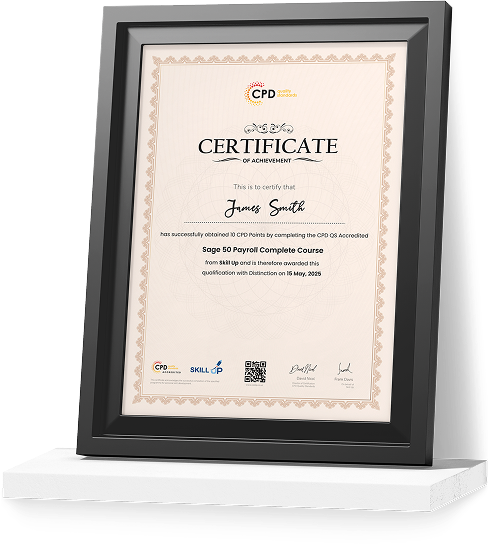
Certificate of Achievement
Earn Your Accredited Certificate with Transcript
Save 20% with the coupon code SKILL20

Show Your Certified Identity with a CPD-QS Certificate
Perfect for employers, clients, or academic verification.
Career Path
 Career Path
 Frequently Asked Questions
The OBS course for Recording Reviews

A well-organised and highly valuable course with clear, easy-to-understand guidance throughout. I’ve gained knowledge that’s directly relevant to my day-to-day responsibilities. It’s given me greater confidence in applying these skills professionally.

Engaging content delivered in a straightforward and structured format. The examples were realistic and helped reinforce key concepts effectively. I would certainly recommend it to colleagues looking to upskill

Comprehensive, insightful and professionally presented from start to finish. The course materials were clear and well supported. A worthwhile investment for anyone serious about career development
Curriculum
-
How I Film Videos For YouTube And TikTok With OBS In Vertical + Horizontal Profiles!
00:25:00

 00:25:00
 -
Free Camtasia Alternative! How to Use OBS for Recording Screen Capture Video Tutorials
00:12:00
-
OBS vs Screen flow vs Camtasia and Final Cut Pro X for filming, editing, and rendering videos!
00:16:00
-
OBS First Impressions after Switching from Wirecast for Live Streaming
00:05:00
-
OBS Video Production Setup for Filming Online Courses
00:11:00
-
OBS Scene, Source, Camera, and Audio Setup Including Limiting
00:16:00
-
Set OBS Volume Perfectly with Youlean Loudness Meter!
00:12:00
-
Sync Camera Audio and Video Perfectly in OBS with a Clap Test Recording and Camtasia
00:11:00
-
Restream dashboard and easy stream setup in OBS
00:02:00
-
Heart Rate Monitor Setup for Live Streaming with OBS on Facebook Gaming
00:03:00
-
OBS Facebook Live Gaming Alerts Setup
00:12:00
-
Vertical Stream Setup in OBS Facebook Gaming Course 2019
00:10:00
-
OBS Facebook Live Gaming Setup for Star and Share Alerts
00:26:00
-
Restream io dashboard and easy stream setup in OBS for Restream!
00:04:00
-
Order Your Certificate
Offer Ends in

 TAKE ALL COURSES FOR £99


-
Duration:2 hours, 45 minutes
-
Access:1 Year
-
Units:15

